
In your room · in 3D
See furniture in your room in 3D, from any shop.
Paste a link from almost any shop. The piece lands in a room with your walls and your windows, at the size on the shop’s page.
Paste a link to a sofa, lamp, rug… from the shop’s own site.
Free to try. Your first three links are on us. No app, nothing to install.
Your piece will be waiting in a room when the doors open. Leave your email and we’ll tell you the moment it’s ready.
Done. We’ll email you when the doors open, with your piece already in a room.
One email when we open. Nothing else.
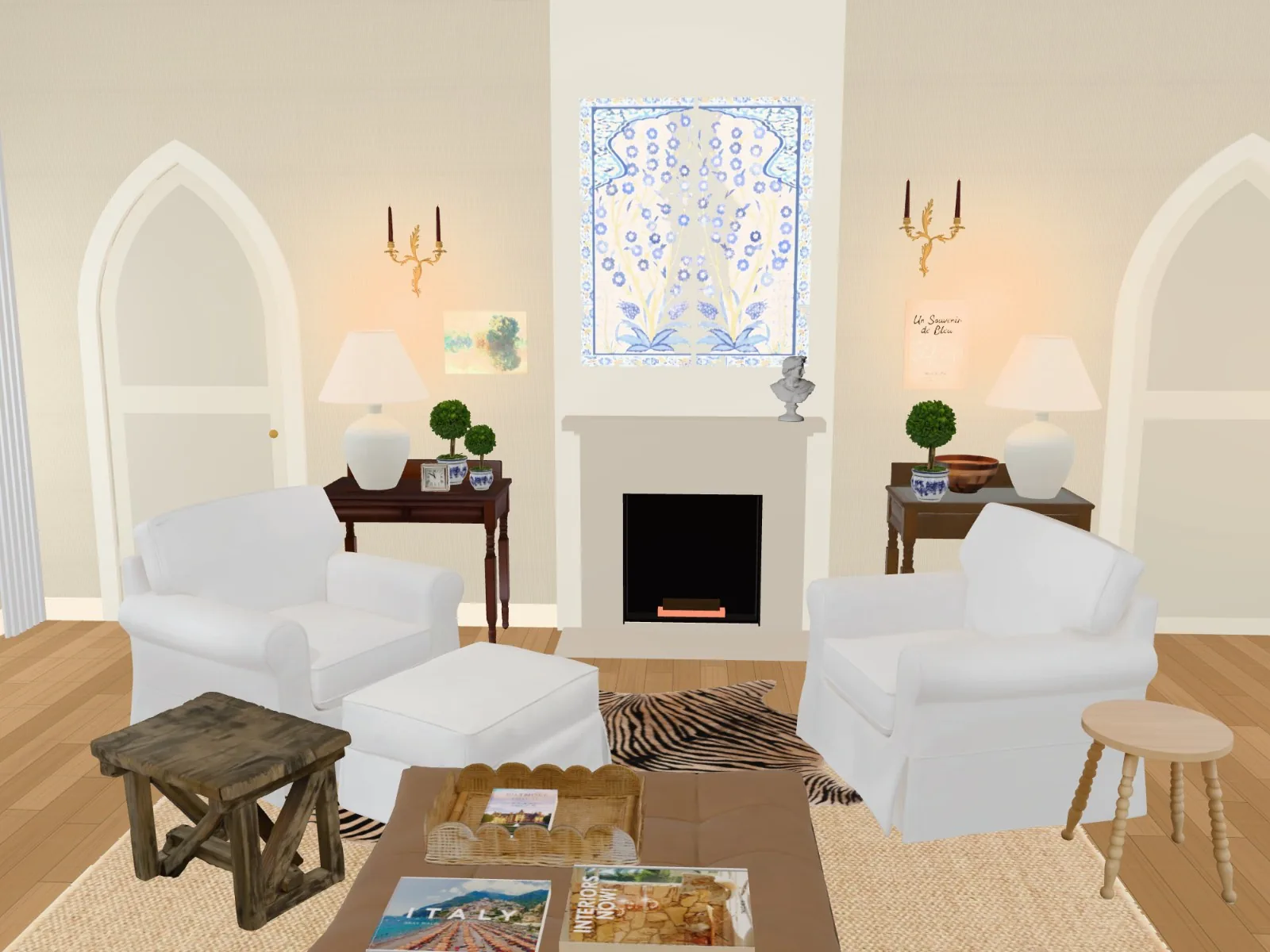
Already built
Pieces we’ve already put in rooms
Each one at the size on the shop’s page. Try any of them in your own room, or paste something else.
Prices as they were when we added each piece. The shop’s page has today’s.
Paste the link
The name, the photos and the listed size come across on their own. Any product page from the shop’s own site works.
Make the room yours
Type in your wall lengths, add the door and the window, or scan the room with an iPhone. Or start in one of ours.
Walk round it
Move the sofa, swap the rug, try the other colour. Keep the room, send the link to whoever has an opinion, then buy at the shop as usual.
One picture
What most “see it in your room” tools give you
- One photo, one angle, one piece at a time
- Scale is a guess, and their small print says so
- Want to move it? Make another picture
- Gone in a month
A room you keep
What elsewhere gives you
- Your whole room, every piece, any angle
- Real size, read from the shop’s page
- Move things, swap them, try the other colour
- Saved to your account, with a list of what’s in it and where to buy it
Questions
Start here